
It’s time to curse the internet with care
↓
↓
↓
↓
↓
↓
↓
Where it all began…
In 2020 I began noticing how I was always in various degrees of pain, fatigue, and nausea. At the end of 2023 I visited the emergency room many times (with little success) due to nerve pain and returned to my childhood home for several months. This was a challenging time, however not unique. Many people face various chronic health conditions. It got me thinking about what care is. How both complicated and simple it can be.
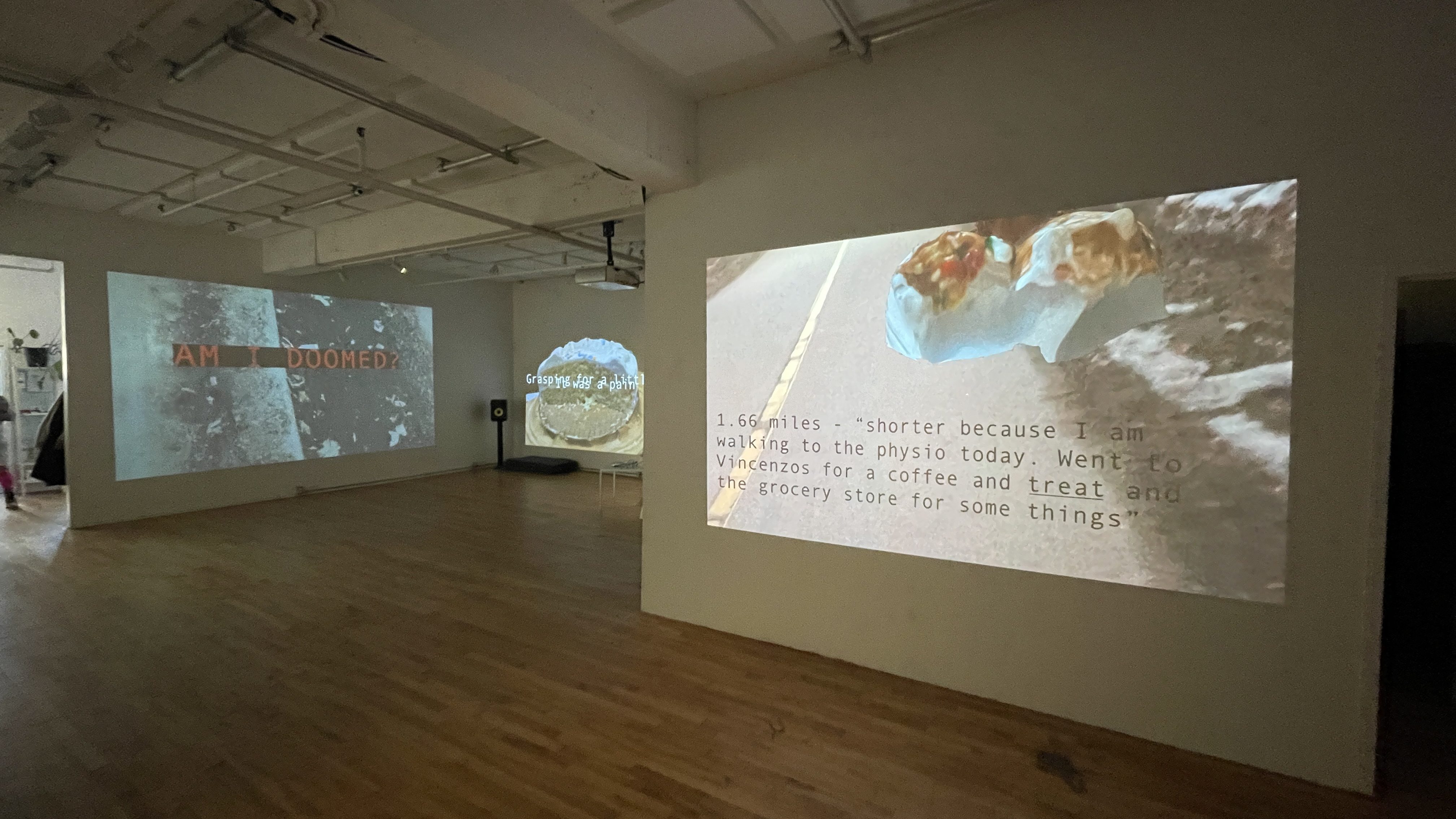
We have these formal systems that are meant to care for us, hospitals, pharmacies, even the internet, but often don’t, or worst…they harm us. From this curiosity emerged the project Walked Traces: Living With (___) which I was lucky enough to work on during a residency at Ada X (2025).
During this residency I began reflecting on how objects care for us. And how these objects can be both universal, like 🍫, but also very personal like 🧣.
“There is nothing more vulnerable than caring for someone [or something]; it means not only giving your energy to that which is not you but also caring for that which is beyond or outside your control. Caring is anxious—to be full of care, to be careful, is to take care of things by becoming anxious about their future, where the future is embodied in the fragility of an object whose persistence matters.” – Sarah Ahmed, The Promise of Happiness
From this emerged the VR participatory work Objects of Care. This project has been a really wonderful experience that bridges personal stories shared by participants, their personal objects, and the use of technology to co-create a digital space of care as defined by each contribution.
It is this continued curiosity around what constitutes an object-of-care and the importance of them in our lives which gave birth to Cursors of Care…todays workshop!
↓
↓
↓
↓
↓
↓
↓
↓
↓
↓
↓
CURSORS OF CARE
WHY?! its a small, simple yet powerful opportunity to infuse what serves YOU into the internet. You are not only changing your cursor by what others see too. Perhaps making navigation slower, more inefficient (its hard to click on links when your cursor is a dinosaur) and hopefully a little more playful. Together we are cursing the internet with care.
Next 30-40 min: reflect on what objects care for us >> create pixel art of one of those objects >> turn that pixel art into a cursor on your computer (Windows) or website (CSS/JAVASCRIPT)
↓
↓
↓
↓
↓
↓
↓
↓
↓
↓
↓
NOTE: this presentation is simply a page on my website, which you can return to later if you wish!
STEP 1: Make a list
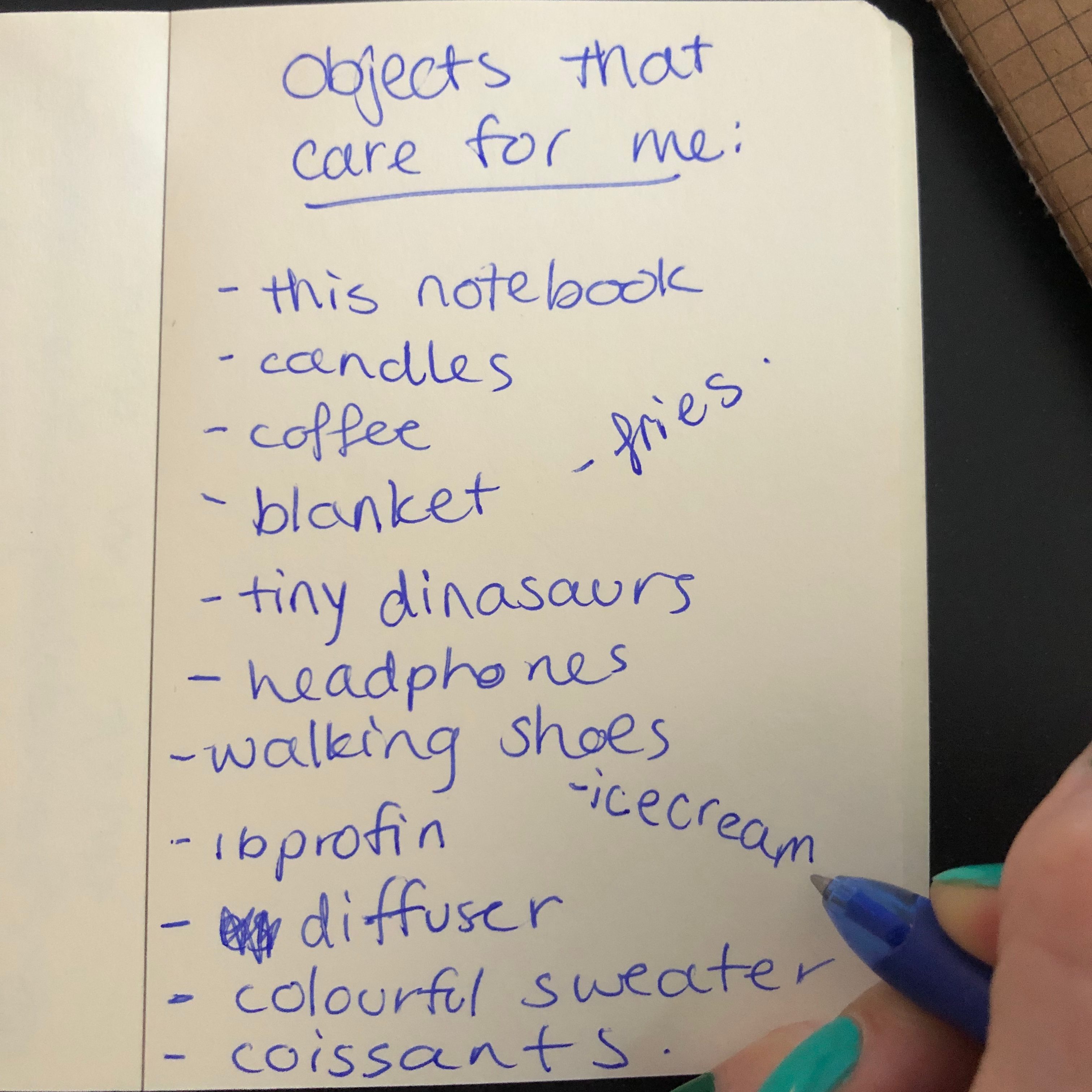
[3min] What cares for you? Write a list of objects that care for you. Try not to sensor yourself and just write whatever comes to mind. If you want: share one of the objects-of-care in your list in the chat.
⋆.˚⟡ ࣪ ˖
STEP 2: Sketch it
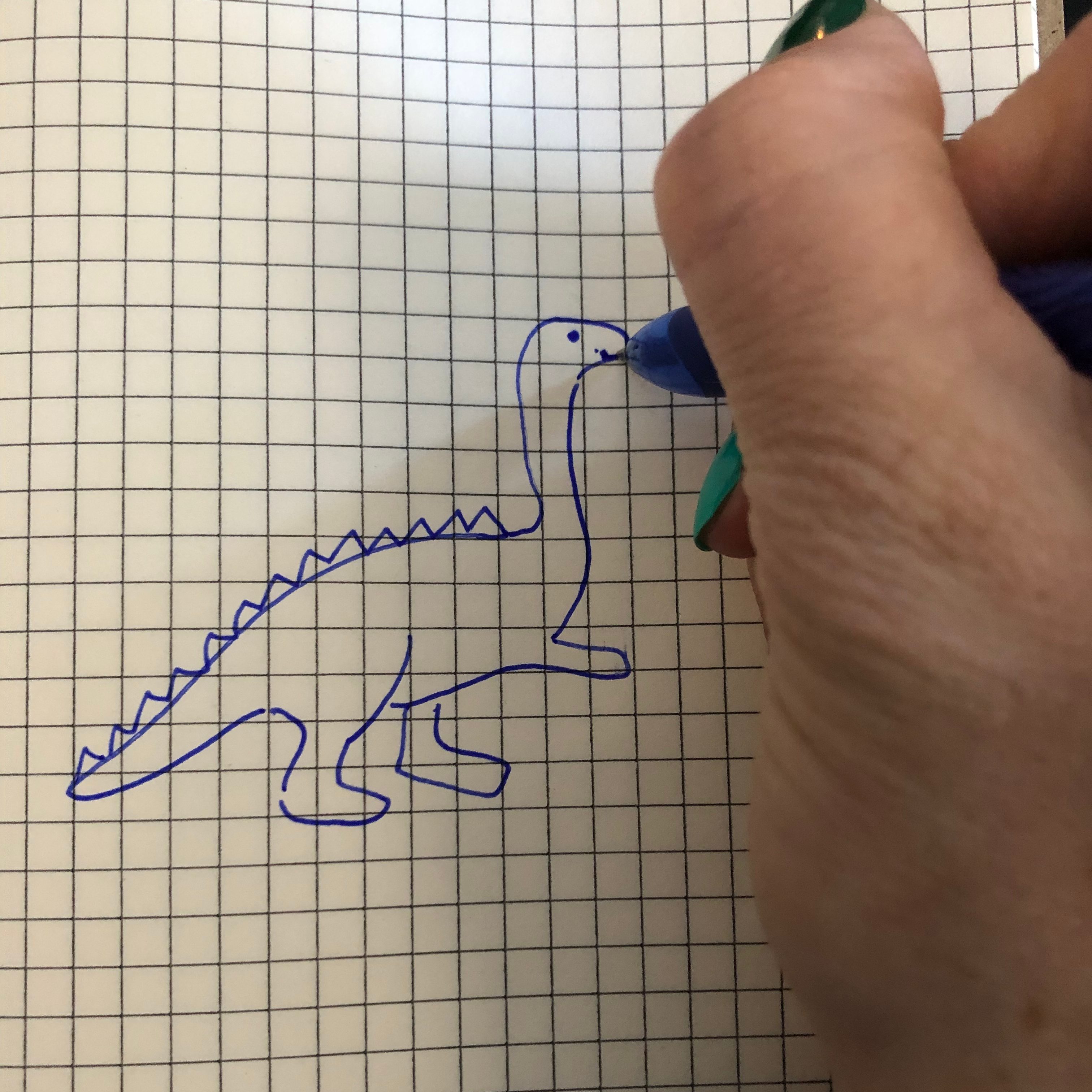
[2 min] Choose one of the objects you would like to convert into a cursor of care. Do a VERY simple sketch of your selected object that cares for you to get you ready for the pixel art.
NOTE: Feel free to think creatively around how you want to represent the object. Perhaps there is a feeling or essence you want to capture rather then a literal visual representation of the object. i.e. if your bed is one of the objects, perhaps you create a pillow for your cursor?
⋆.˚⟡ ࣪ ˖
PIXEL ART VERSION OF YOUR “OBJECT”


STEP 3: Draw the Object
Head to pixelart.com > its a free platform for creating low-fi pixel art which does not require you create an account.

NOTE: I found the dimensions of 50 x 50 the best size, but feel free to experiment!
Now that you have a new document, create your drawing, below are a few videos to help you see how to change your pencil size, colour, and shade the drawing. I generally just use the pencil and eraser tool, but feel free to get wild!


✩ Add different layers (right panel) to create outlines, colour blocks, and shading.
✩ Change the pixel size of your pencil with the slider at the top of the screen.
✩ Change the colour of your pencil by double clicking on the colour square at the bottom of the left tool bar.
⋆.˚⟡ ࣪ ˖
STEP 4: Shade Your Object
I find this step really brings the object to life!
Click on the icon on the left tool bar that looks like a white and black ball.


✩ When the box “lighter” is selected at the top then shading becomes highlights.
⋆.˚⟡ ࣪ ˖
STEP 5: Download your pixelated object as PNG!
Go to File > EXPORT/DOWNLOAD > Click the big blue button that says “download PNG”
Note: make sure your dimensions are correct, as you can see here, the first time I saved the dinosaur I had the wrong dimensions (32 x 32).

↓
↓
↓
↓
↓
↓
↓
↓
↓
↓
↓
okay…
↓
↓
↓
↓
↓
↓
↓
↓
↓
↓
↓
You have your object of care in pixel form 
↓
↓
↓
↓
↓
↓
↓
↓
↓
↓
↓
now lets turn it into a cursor!
CUSTOMIZE YOUR CURSOR!
Three ways to do this:
WINDOWS/MICROSOFT USERS
CSS
This is what I used to customize my website cursor.
Note, I use WordPress to host my website, so depending how how your website is set-up where you can customize the css, and to what extent may vary.
Below is the code
 tricia enns - artist/designer/mischief maker